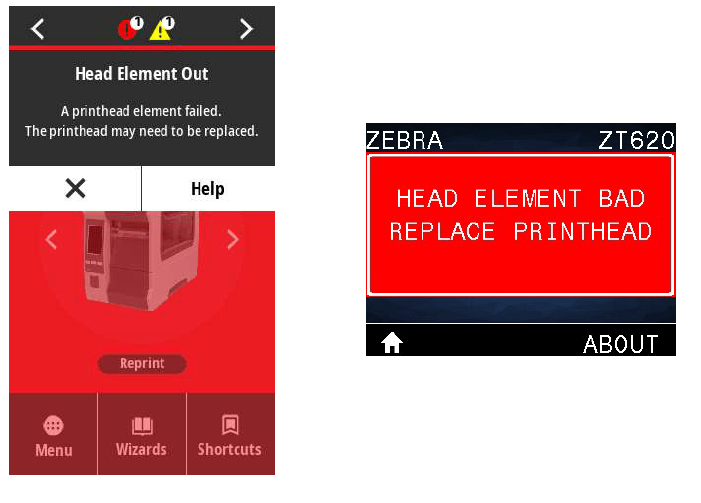
In this month’s Tech Tip, we will show you how to update the firmware on a Zebra ZT printer with USB. Click on the link below to watch our technician, George, walk you through each step. While you are there, subscribe to our YouTube channel for more Tech Tips. We continue to add new videos each month!
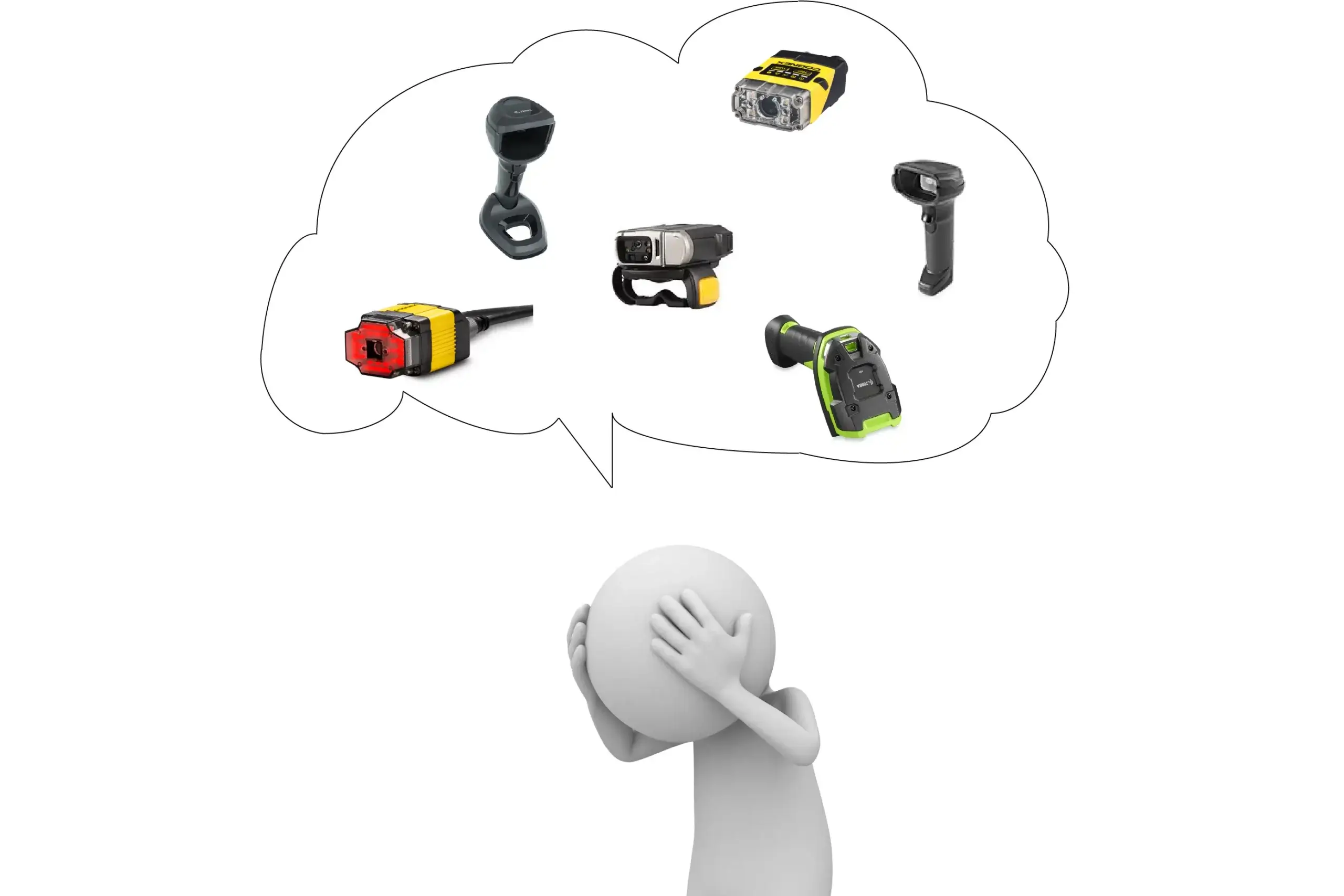
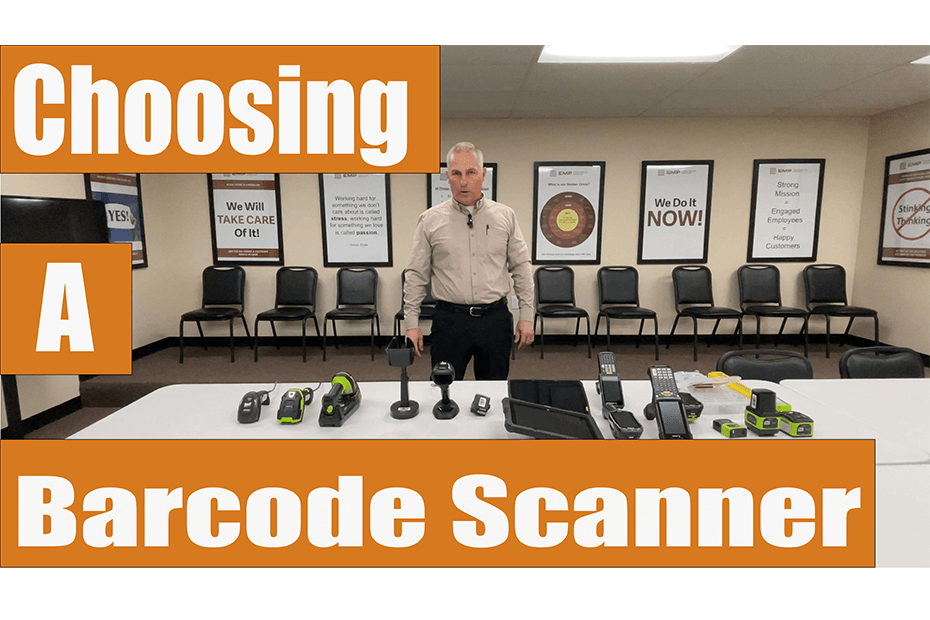
How to Choose the Right Barcode Scanner
There are many factors you should consider when choosing a barcode scanner. Click to read more!