Tech Tips

Setting up BarTender with SQL Server

Setting up BarTender with SQL Server seems straightforward until troubleshooting becomes impossible. Discover the common mistake that can lock down access, slow support, and make future changes far more difficult.

Printing RFID Labels Without Repeated Long Calibrations

Printing RFID labels successfully requires more than just having an RFID printer—it takes proper calibration and a few expert tricks to maximize performance and minimize errors. Discover the EMP "cheat code" that can eliminate wasted RFID labels, speed up startup times, and keep your operators from waiting on unnecessary recalibrations.

RFID Does Not Always Replace Barcodes

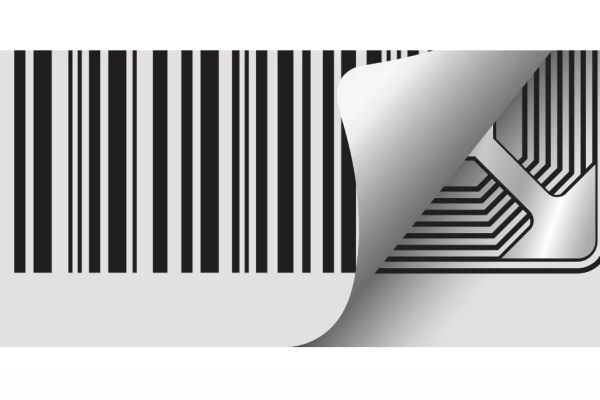
RFID doesn’t replace barcodes—it works best alongside them, with each technology solving different challenges in data capture and tracking. Discover why combining RFID and barcodes gives you the flexibility to capture data faster, more accurately, and in ways a single technology never could.

Using Your Label Printing Software for Production Reports

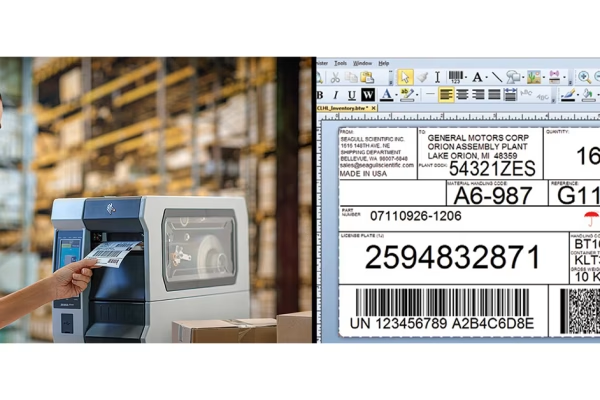
What once seemed impossible—using label printing software for production reporting—is now not only feasible, but practical with today’s technology. See how modern tools like BarTender can turn your label data into real‑time production insight that feeds directly into ERP or MES systems.

The Trouble with Using iOS Devices

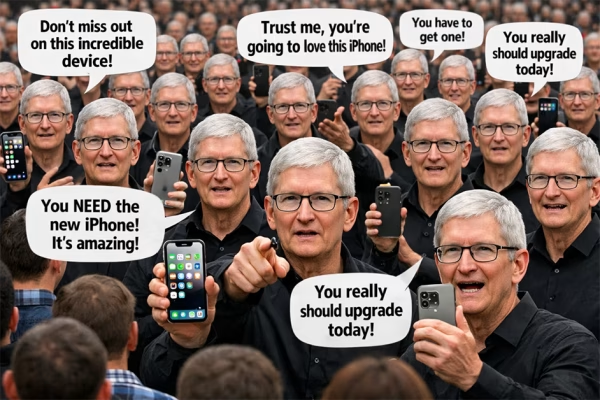
Forced iPhone updates may be a small annoyance at home, but in a business environment they can halt entire teams when hundreds of devices lock up at once. Discover why Zebra’s enterprise‑ready Android devices put you in control of updates, security, durability, and uptime—without the hidden costs of consumer hardware.


Protecting Your Devices from Power and Security Issues

EMP often becomes the cleanup crew when Monday mornings reveal downed printers, scanners, or RFID equipment—often caused by avoidable power or security issues. Learn the simple protections and best practices that can save your operation from costly outages—and why EMP is the partner you want when things go wrong. You should probably take some notes!

Changing Label Printing Software

Switching from outdated label software feels overwhelming, but sticking with slow, unsupported tools only holds your operations back. See how EMP and BarTender can simplify the entire transition—consolidating formats, streamlining databases, and making your labeling faster than ever.

Zebra’s Enterprise Home Screen

EMP knows Zebra’s Android inside and out, using tools like Enterprise Home Screen and Enterprise Browser to lock down devices and secure data. Discover how these hidden features can transform your data collection terminals into powerful, secure, and customized data collection machines!

Do You Still Need a Cradle?

We’ve been drowning in cradles and power supplies for years. Now, a quiet shift to USB-C is saving time, money, and sanity. So, do we still need charging cradles?

Printer Settings Being Overwritten by Label Format

Printers acting up despite display changes? The real culprit might be hidden commands hijacking your settings—find out how to take back control.

Using Symbol Fonts in BarTender

BarTender makes it easy to add industry symbols to your labels using built-in symbol fonts—no extra design work needed. You’ll never guess how simple it is to drop in complex icons like they’re just regular text. Check out this Tech Tip!

When is it Time to Wipe a Device and Start Over?

Resetting Zebra Android devices is easier than you think, especially with EMP Tech Group and StageNow in your corner. One barcode scan can wipe your device clean... but only if you know the secret sauce our tech team uses!