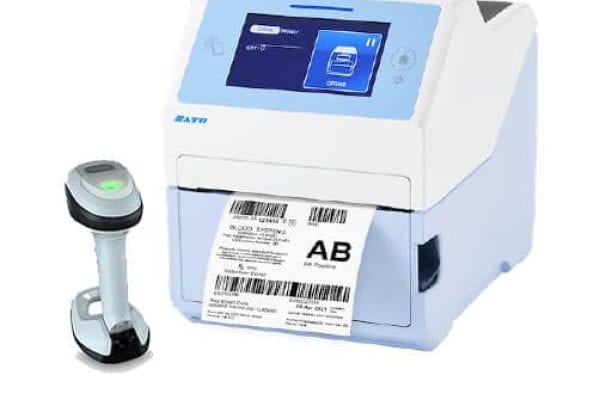
Handheld Barcode Scanners

Corded and cordless handheld scanners for warehouses, manufacturing floors, and everything in between — matched to your workflow by people who know the technology.

Popular Handheld Barcode Scanners

Handheld Barcode Scanner

Ultra-Rugged

Zebra ultra-rugged scanners are built for the unique challenges of manufacturing and warehouse tasks. The DS3600 Series stand up to harsh conditions, read at astonishing lengths and speeds, and give workers nonstop, full-shift power.
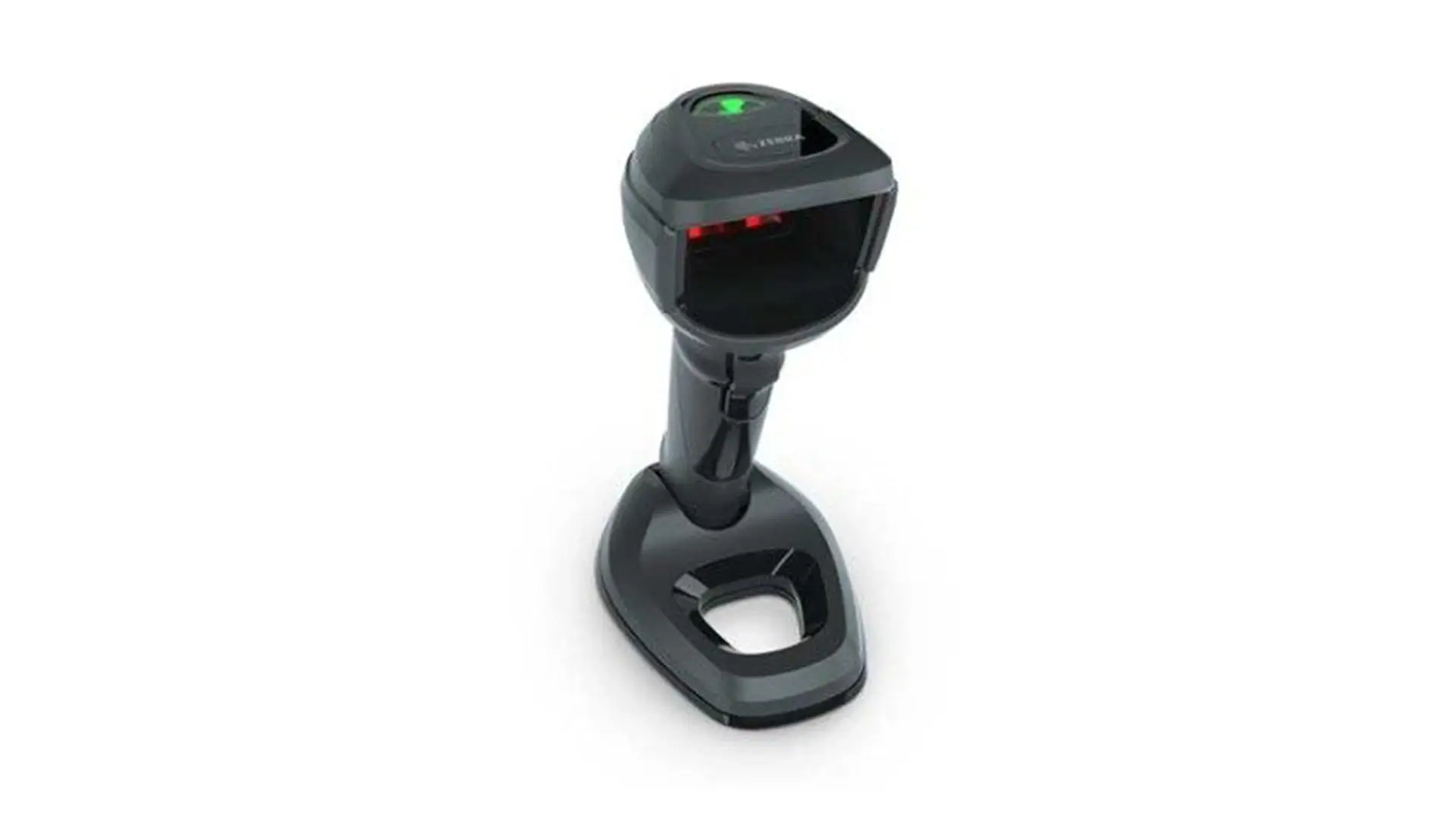
General Purpose DS9900 Series

General Purpose

The ultimate in performance and design. Handheld and hands-free use, the DS9900 Series delivers optimum performance, whether associates pass items quickly in front of the scanner or pick it up to scan merchandise on the counter or in a cart.
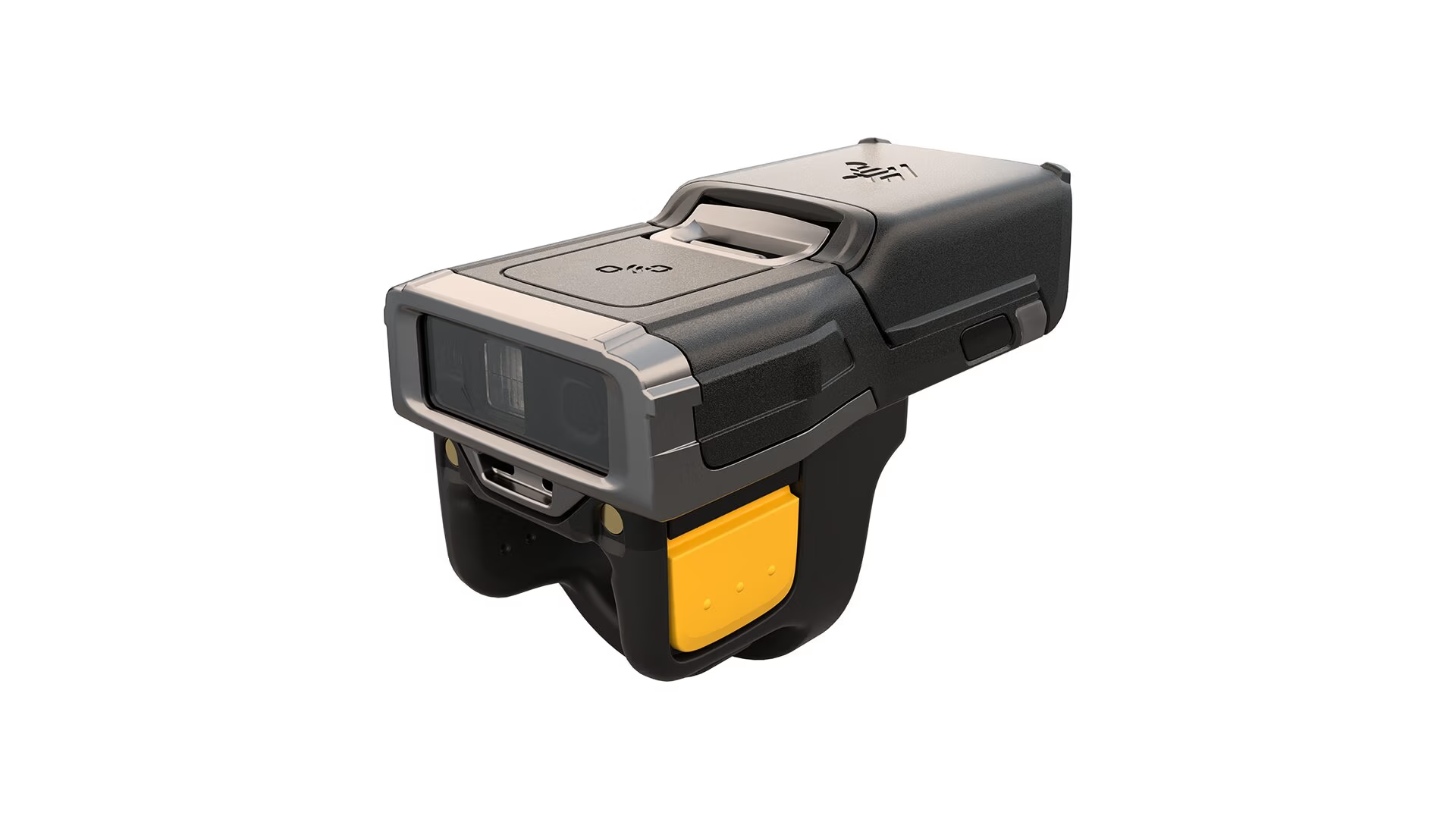
Zebra Technologies RS6100 Ring Scanner

Wearables

This small and practically weightless wearable scanner is less than half the size and weight of its predecessor, the RS6000. Use it anywhere — from warehouse aisles, freezers and coolers to the seat of a fork truck and out on the dock in rain, snow, blazing summer heat or subzero winter cold.

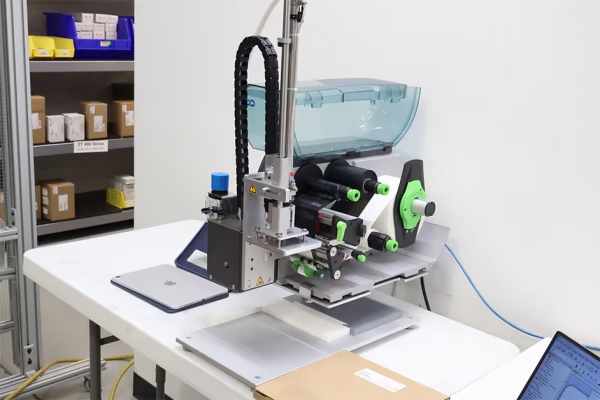
Benefits of Handheld Barcode Scanners

Efficient Data Capture

Eliminate time-consuming and error-prone manual data entry. Handheld barcode scanners will speed up data capture and greatly reduce errors.

Scan in Any Environment

Scan in any environment with confidence. From retail, to cold storage, or out on the shop floor, there is a scanner built to perform.

Consistent Scanning

Scan any 1D or 2D code even if its dirty or damaged. Scan up close or at long range. Modern barcode scanners provide fast reliable scanning.

Finding the Right Handheld Barcode Scanner

Handheld barcode scanners are the most versatile data collection tool in any operation. From receiving docks and pick-and-pack stations to inventory counts and point-of-care scanning, the right handheld scanner keeps your team accurate and your data moving. EMP Tech Group carries corded and cordless models from Zebra and Honeywell — two of the most trusted names in industrial scanning — along with options from other leading manufacturers.

Choosing the right handheld scanner comes down to a few key factors: your environment, your barcode types, and how the device needs to connect to your systems. A light-duty office or retail environment may only need a basic 1D or 2D imager, while a cold storage warehouse or outdoor yard operation demands a scanner rated for drops, dust, and temperature extremes. Cordless Bluetooth models offer freedom of movement, while corded scanners are often preferred at fixed workstations where battery management is a concern.

EMP’s team will help you evaluate read range, decode capability, drop rating, and integration requirements — so you get a scanner that fits your workflow, not just a box off a shelf.

Related Videos

Solutions using Handheld Barcode Scanners

Extracting Data from PDF to Print Labels

A manufacturing company was getting dangerously close to following below their distributer's expectations due to incorrectly labeled product shipments. In fear of losing business, they contacted EMP in hopes of finding a more technologically efficient way of labeling products. Read about the various changes and solutions EMP made to bring them up to speed!

Scan and Print as a Finished Product

A healthcare company was trying to find a way to replicate barcodes within their facilities. The process had to be the most efficient and ready to use out of the box. The best option would be for a simple "Scan and Print Solution".

Adding Data Collection to a Bag Sealer

EMP worked with a medical device manufacturer to inspect the labels on each of their products as they pass through a sealer.

Automotive Parts Tracking

An automotive parts tracking system using a custom web browser application, label printers, and barcode scanners. Click to read more!

Custom Pick to Light Cart

A healthcare company wanted to improve its picking process with a mobile cart. They partnered with the engineers at EMP Technical Group to design a mobile pick to light cart.

Additional Resources

Zebra AutoConfig Fact Sheet
Click to View AutoConfig Fact Sheet

AutoConfig Fact Sheet

You can use AutoConfig to quickly switch your barcode scanner's settings to fit a different workflow or process. Click the thumbnail to download the Fact Sheet.