Zebra’s label printers do an excellent job of printing RFID labels. But there are some tricks to ensure you have the best success. Tricks that our group has picked up by helping customers get their label printers optimized for RFID, and also from our own in-house use of RFID labels.
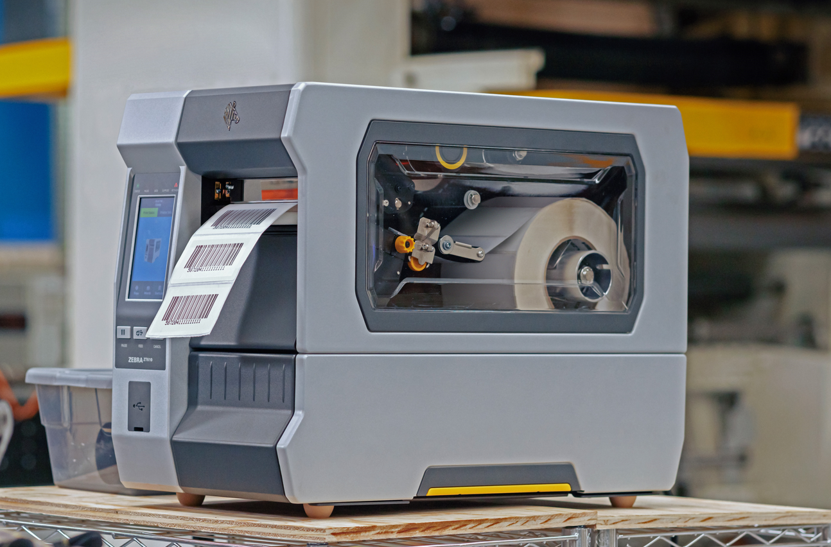
There are two primary tips here, first is getting the printer calibrated for the RFID labels that you are using. The first step is the manual calibration of the printer for the label itself. We actually recently posted a YouTube video on this calibration process. Watch it below!
Next, you need to calibrate the printer to the actual RFID inlay. There is a separate RFID menu in the printers that have RFID capabilities where you choose the RFID Calibrate function. The trouble begins here with how long the process takes. In the old days, you would tell the printer an RFID label format which would indicate where the inlay was supposed to be in the label. A quick way to get the printer set up, but the error rates were high using this method. Now, having the printer precisely locate the inlay and optimize the encoding, the error rates for printing and encoding are much lower.
For the real EMP cheat code, you need to change the close print head action from Calibrate to Feed. The default setting is calibrate, meaning that every time you open and close the print head, the printer recalibrates the RFID module to the inlay, which takes a long time, wastes expensive RFID labels, and shouldn’t be necessary every time you open and close the print head. Once you make this change, the complaints from your operators about how long it is taking to get started after opening the print head will disappear.
We covered this in our most recent YouTube video with Rich Johnson. Check it out below!
Want to work with a partner who has the cheat codes all figured out? www.emptechgroup.com is the best place to reach us.