There are a few “Power On” tricks that you can use with most Zebra printers that we gladly pass on. One is the Pause Button power on; another is the Cancel Button power on. Also, if you press and hold Pause and Cancel buttons at once, you can shortcut directly to the calibration menu. But this article focuses on the “Power On” shortcuts.

Even the newer Zebra printers that use a touch screen still have 3 actual buttons below the screen. To invoke one of the Power On shortcuts, hold the particular button while you power up the printer, until you see the Zebra logo on the display. After that you can release the button.
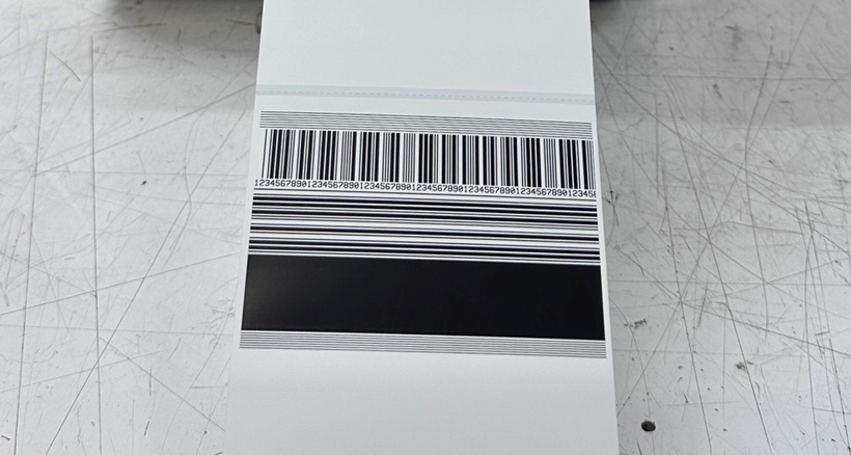
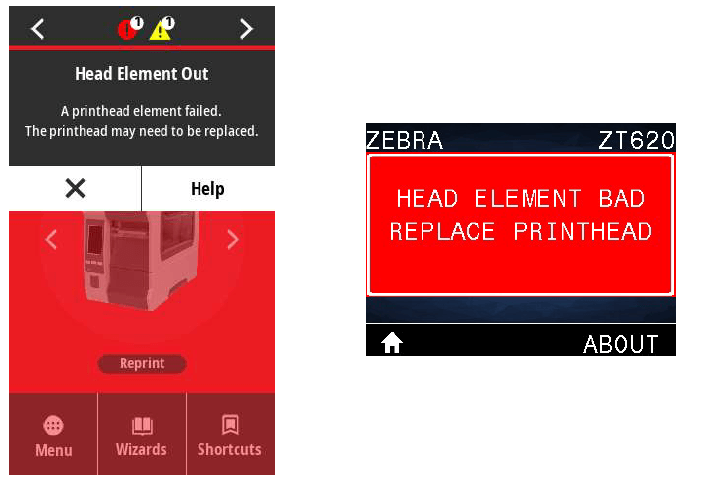
The first Power On shortcut is the Pause Button. As stated above, power the printer off, then push and hold the pause button while powering the printer on until you see the Zebra logo appear on the display. After that you can release the pause button and wait for the test label to print. This will print a pattern on the entire width of the label that you can use to test your print quality. If you have pixels out in your print head, this test will show that. It will also show any ribbon wrinkles that you might be suffering from.
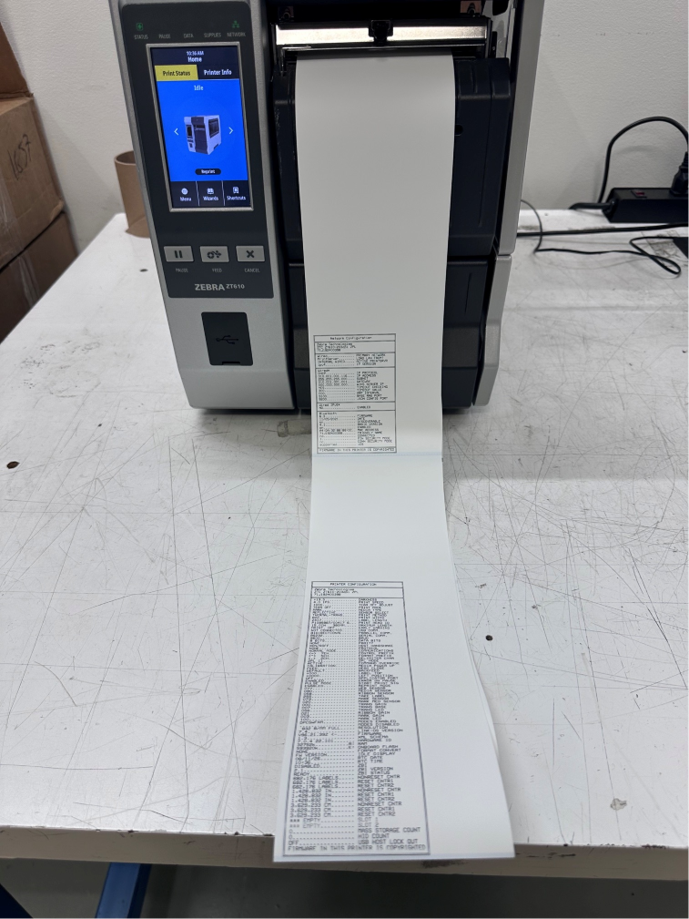
The second Power On shortcut is the Cancel or (X) button. Like above, push and hold the X button while powering the printer on, and you will get an entire printer configuration sheet or sheets to print out. This is super helpful when trying to troubleshoot a printer. It will also show you if the printer string from your application is overwriting your printer settings, since it will change the settings after you print a label.
Want to work with a partner who has figured out all of the label printing cheat codes? www.emptechgroup.com is the best place to reach us.